Streaming chat
Markdown, inline diffs, tool-call cards, and `@` file mentions.
A local-first AI coding assistant for macOS, Linux, and Windows — no cloud, no account.
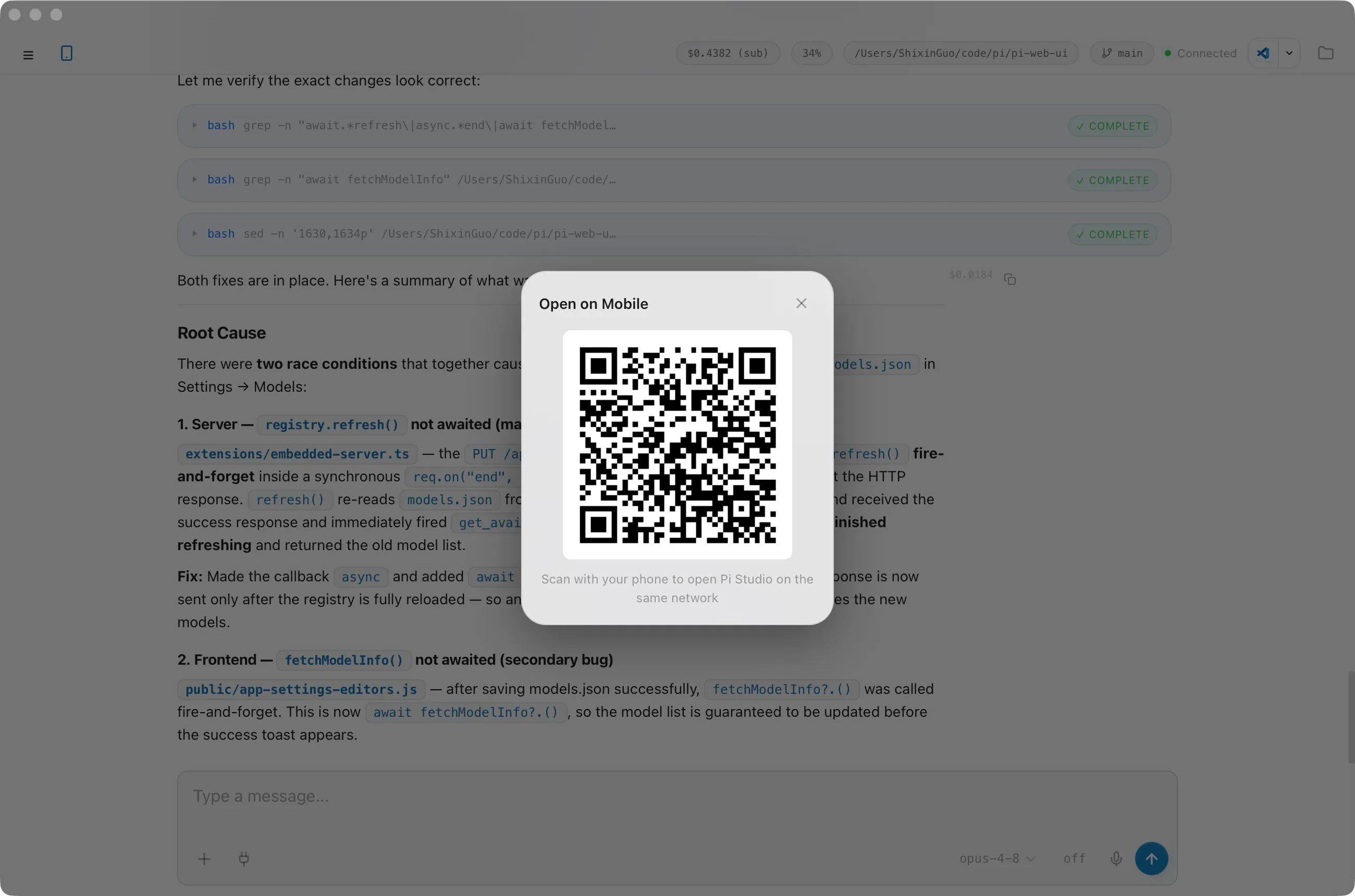
Scan a QR code to open Picot on any device on your LAN.
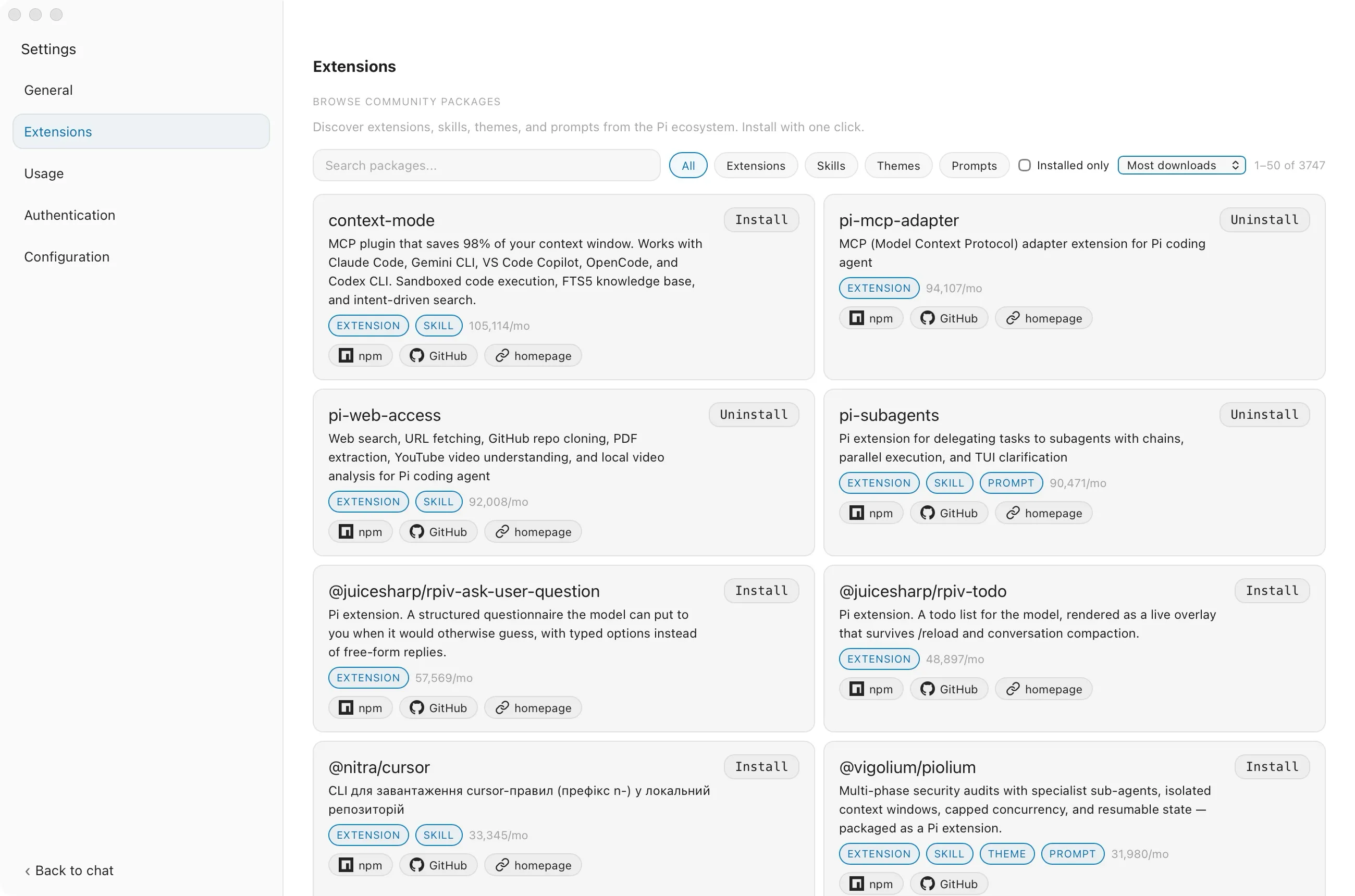
Browse, install, and remove community packages in the UI.
Markdown, inline diffs, tool-call cards, and `@` file mentions.
Each session runs its own isolated pi process, in parallel.
Its own window and history per project, with git branch shown.
Preview Markdown, images, and PDFs; edit in a built-in editor.
Live token and cost metrics, trends, per-model breakdown.
Six themes, frosted-glass UI, English / Simplified Chinese.
Dispatch tasks to any project's agent from Telegram.
On-device dictation with live transcription.
Yes. Picot is MIT-licensed and free to use on macOS, Linux, and Windows.
No. Picot runs entirely on your machine and talks to your model provider directly.
No. Picot bundles a known-good build of the pi runtime in the app.
Run `pi /login` in any workspace, or write `~/.pi/agent/auth.json` directly.
Read the code. Follow development. Help shape it.